Clickers
What is a Clicker?
Clickers are wireless keypads or personal response systems that faculty can use to increase interactivity
in their classroom, especially for a large lecture class. This technology provides instant feedback to both instructors and students.
|
.... |
The University-Supported Clicker
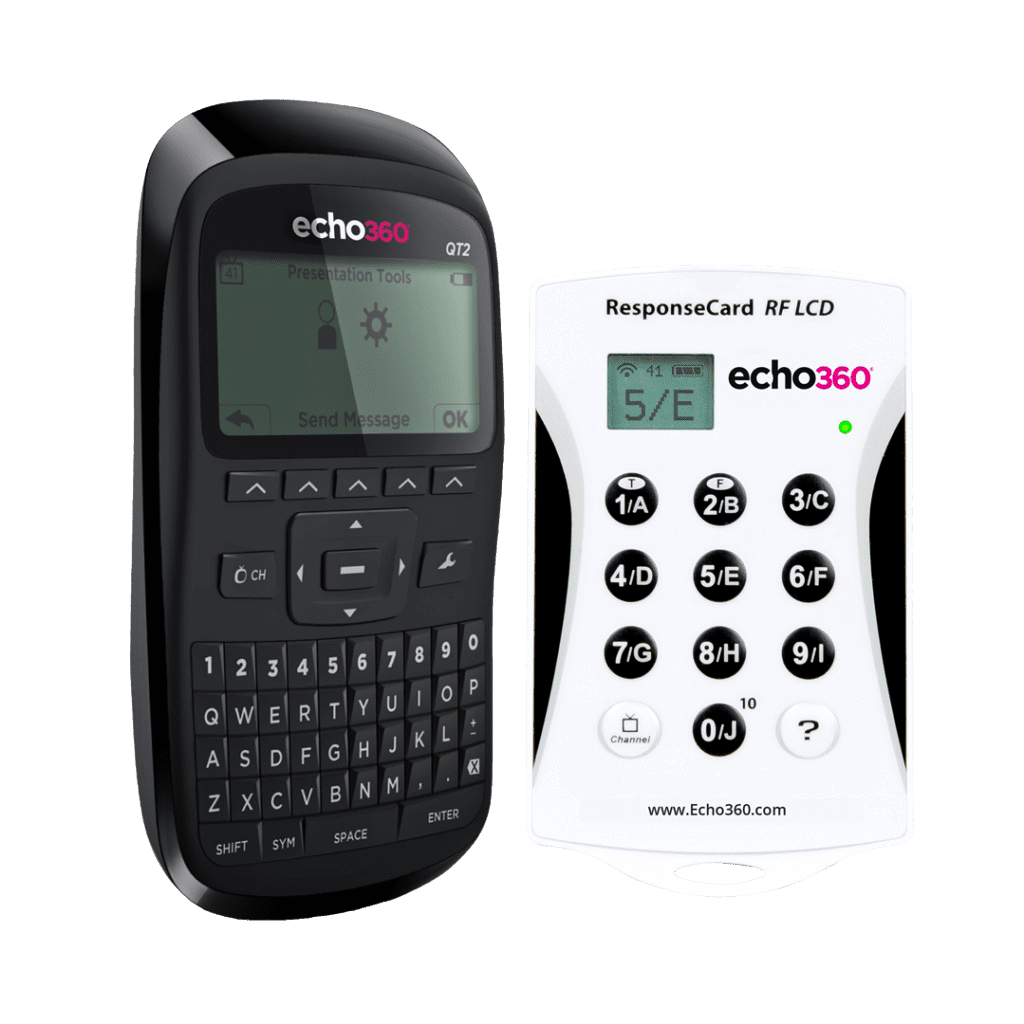
The Instructional Technology Standing Committee evaluated clicker products and chose to support the Echo360 QT2 Device (ISBN: 9780997224818) as the campus standard clicker.
|
What should I do if I want to use clickers in my class?
The first thing faculty will need to do is
to contact the FTDC
at 915-7918 to request a free RF receiver kit. Faculty will then need to add the QT Device clicker to the Course Materials Management interface as a required material for their classes. Clicker training will be available
through the FTDC once each fall and spring semester. Additional clicker training and resources are also available.
What should students do to register their clicker?
Students will need to register their clicker for each course that makes use of the clicker technology. They can do this through Blackboard. Instructions are provided on the Clickers for Students page.